| Filter Name | Product |
|---|---|
| Number of Trays | Printer |
What is this filter?
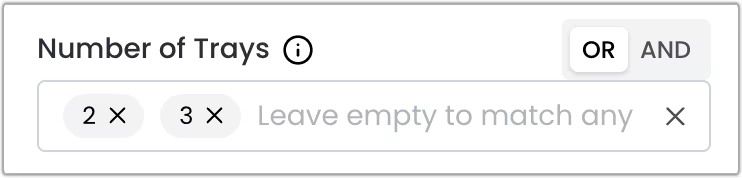
This filter is a multi-select component that allows you to select multiple options at the same time. Combined with the OR and AND operators, it provides a flexible way to filter your search results.
When to Use This Filter
Use this filter when you want to find printers that have a specific number of trays (paper input slots).
Logical Operators
You can use the OR and AND operators to combine multiple options and refine your search.
OR Operator (Default)
Returns products that match at least one of the selected options.
Example: Selecting “2” OR “3” will show all printers that have 2 or 3 trays.
AND Operator
Returns products that match all of the selected options simultaneously.
Example: In this particular case, the AND operator will not return any results, since there are no printers that have different number of trays at the same time.