| Filter Name | Product |
|---|---|
| Print Speed (color) | Printer |
What is this filter?
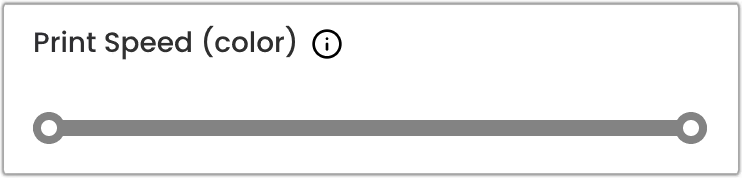
This filter is a range slider component that allows you to select a specific range defined by the minimum and maximum values.
When to Use This Filter
Use this filter when you want to find printers that can print at a specific speed using color ink.
The filter parameters are:
-
The minimum value of the range slider: refers to the minimum number of pages per minute (PPM) a printer should print using color ink;
-
The maximum value of the range slider: refers to the maximum number of pages per minute (PPM) a printer can print using color ink.